

News Summary
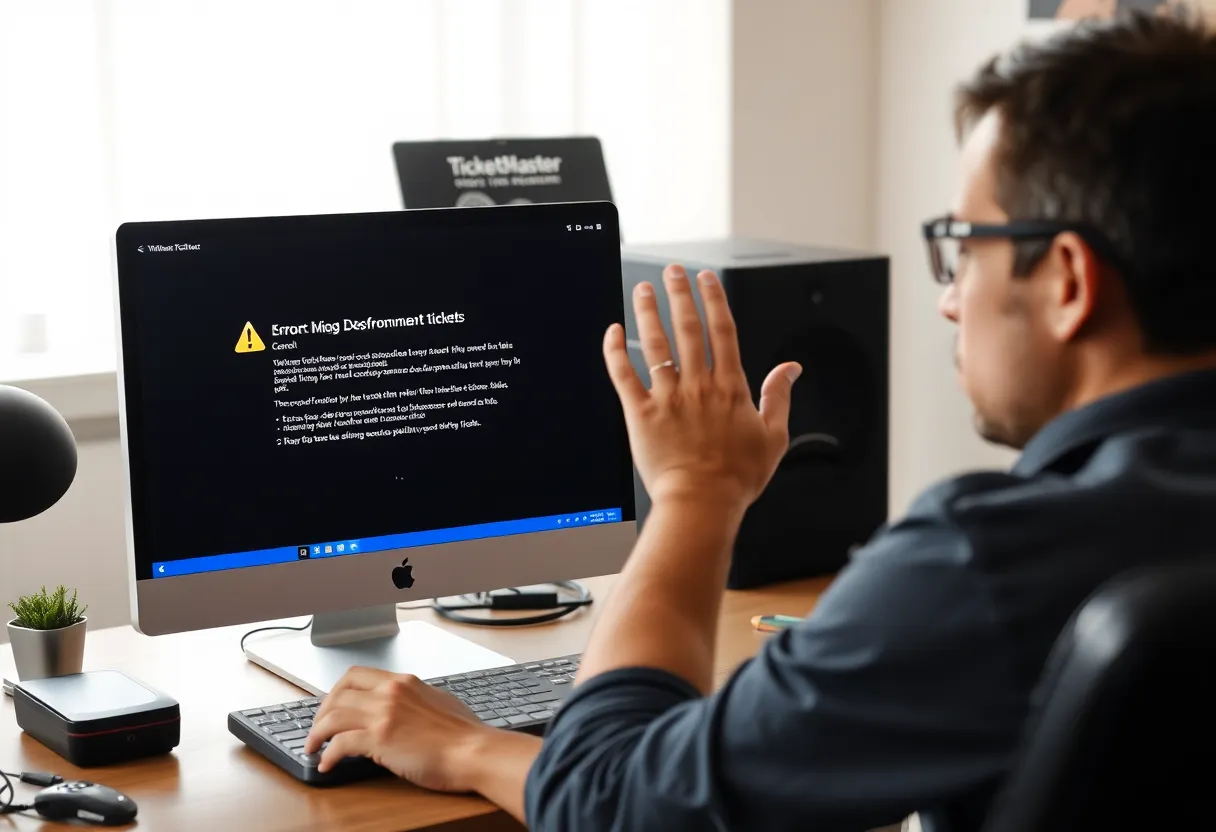
Windows users are encountering the frustrating Error 401 Not Allowed while attempting to purchase tickets on TicketMaster. This issue often stems from cached files or cookies, misuse of proxy servers, or temporary account bans. Fortunately, solutions like clearing browser cache, disabling VPNs, and checking network conditions can help. Users should also be aware of potential account lockouts due to excessive refreshing. Understanding and addressing these problems will help ticket hunters secure their desired concert or event tickets.
Windows Users Facing Ticket Challenges
If you’re a Windows user trying to grab tickets on TicketMaster, you might have run into a little speed bump known as Error 401 Not Allowed. This is a frustrating issue that’s cropped up lately, leaving many ticket-hunters in a bit of a dilemma. Let’s dive into what this error means and how you can get back to scoring those coveted concert or event tickets.
What’s the Issue?
Interestingly, most users can browse through ticket options without a hitch. The trouble arises when they select a date to make the purchase. That’s when the dreaded Error 401 Not Allowed pops up on their screens. So, what’s going on? The root cause is often linked to some temporary cached files or cookies created by TicketMaster’s system.
How to Fix Error 401
Good news! You can tackle this error by clearing your browser’s cache and cookies. This simple step often resolves the issue and allows you to continue your ticket buying adventure. Here’s how you can do that:
- Go to your browser settings.
- Look for the section that says Privacy or History.
- Find the option to Clear Cache and Cookies.
Proxy Server and VPN Effects
But wait, there’s more! TicketMaster has pretty strict policies against users accessing their platform through Proxy servers or VPN clients. If you’re using either, you might need to disable them to successfully access the site. It’s frustrating, but necessary if you want to nab those tickets.
Network Troubles? You’re Not Alone!
Some users have found that their own network conditions play a role in triggering Error 401 Not Allowed. That includes inconsistencies like weak internet connection. If you suspect this may be the case, try restarting your networking device – whether that’s your router or modem. Just power it off for about 30 seconds or disconnect the power cord. You’d be surprised how often this fix works!
Account Temporary Ban
Now, here’s something that might not occur to everyone: You may also be facing a temporary account ban, which can happen if you’re mistakenly flagged as a bot by TicketMaster’s filtering algorithm. If that’s the case, you’ll need to wait 24 hours for it to expire. Alternatively, creating a new account can be a workaround for ticket purchases.
Lockouts Due to Activity
Another tricky situation arises if you’ve been refreshing the page too frequently or trying to access your account from multiple devices. This could easily trigger an account lock, making it harder for you to get the tickets you desire. So, patience might just be your best friend in this situation!
More Troubleshooting Options
If you’re still having problems, consider a few more troubleshooting steps. Check if the TicketMaster server is operational—there are websites available that track site performance. Additionally, switching to a different browser or device can sometimes do the trick as well.
Error Code 0007
It’s worth noting that you might also see Error Code 0007. This particular code often results from corrupt browser cache and cookies, so clearing them out will be necessary in this scenario as well.
Frequently Asked Questions
What is Error 401 Not Allowed?
Error 401 Not Allowed appears when Windows users attempt to purchase tickets on TicketMaster, typically when selecting a date.
How can I fix Error 401?
You can resolve Error 401 by clearing your browser cache and cookies. Go to your browser settings to do this.
Can using a VPN affect my ticket purchase?
Yes, TicketMaster has strict policies against users accessing their platform via VPN or Proxy servers. You may need to disable these to purchase tickets.
How can I restart my networking device?
To restart your networking device, power it off for 30 seconds or disconnect the power cord before plugging it back in.
What should I do if my account gets locked?
If your account is locked due to too many refreshes or multiple device access, you may need to wait or create a new account to make a purchase.
Quick Reference Chart
| Issue | Possible Solution |
|---|---|
| Error 401 Not Allowed | Clear browser cache and cookies |
| Using Proxy/VPN | Disable Proxy/VPN |
| Network Inconsistencies | Restart networking device |
| Temporary Account Ban | Wait 24 hours or create a new account |
| Too Many Refreshes | Limit page refreshes and device access |
| Server Issues | Check server status online |
| Error Code 0007 | Clear browser cache and cookies |
Deeper Dive: News & Info About This Topic
- Appuals: TicketMaster 401 Not Allowed
- Wikipedia: Ticketmaster
- Appuals: Fixing TicketMaster Error 7
- Encyclopedia Britannica: Bot
- Google Search: Ticketmaster Error 401


Author: STAFF HERE MYRTLE BEACH
The HERE Myrtle Beach Staff Writers are a collaborative team of journalists, editors, and local contributors passionate about delivering accurate, timely information to the Myrtle Beach community. As part of the HEREcity.com Network, which powers over 100 U.S. city sites including HEREcolumbia.com, our staff draws on collective experience in South Carolina journalism to cover everything from business sales and real estate developments to dining deals and community initiatives. Our Expertise and Background Local Roots in Myrtle Beach Our team includes lifelong Myrtle Beach residents and SC natives with deep knowledge of the area’s history, economy, and culture. We’ve covered key events like the recent developments along the Grand Strand, Myrtle Beach’s tourism and hospitality industry, and growth in local education sectors (e.g., Coastal Carolina University programs). Collective Experience With over 50 combined years in journalism, our staff has backgrounds in print, digital media, and community reporting. We prioritize fact-based stories, drawing from sources like the Myrtle Beach Area Chamber of Commerce, city government records, and on-the-ground interviews. Commitment to Quality Every article is a group effort, involving research, editing, and verification to ensure reliability. We adhere to journalistic standards, citing credible sources and updating content as new details emerge.