

News Summary
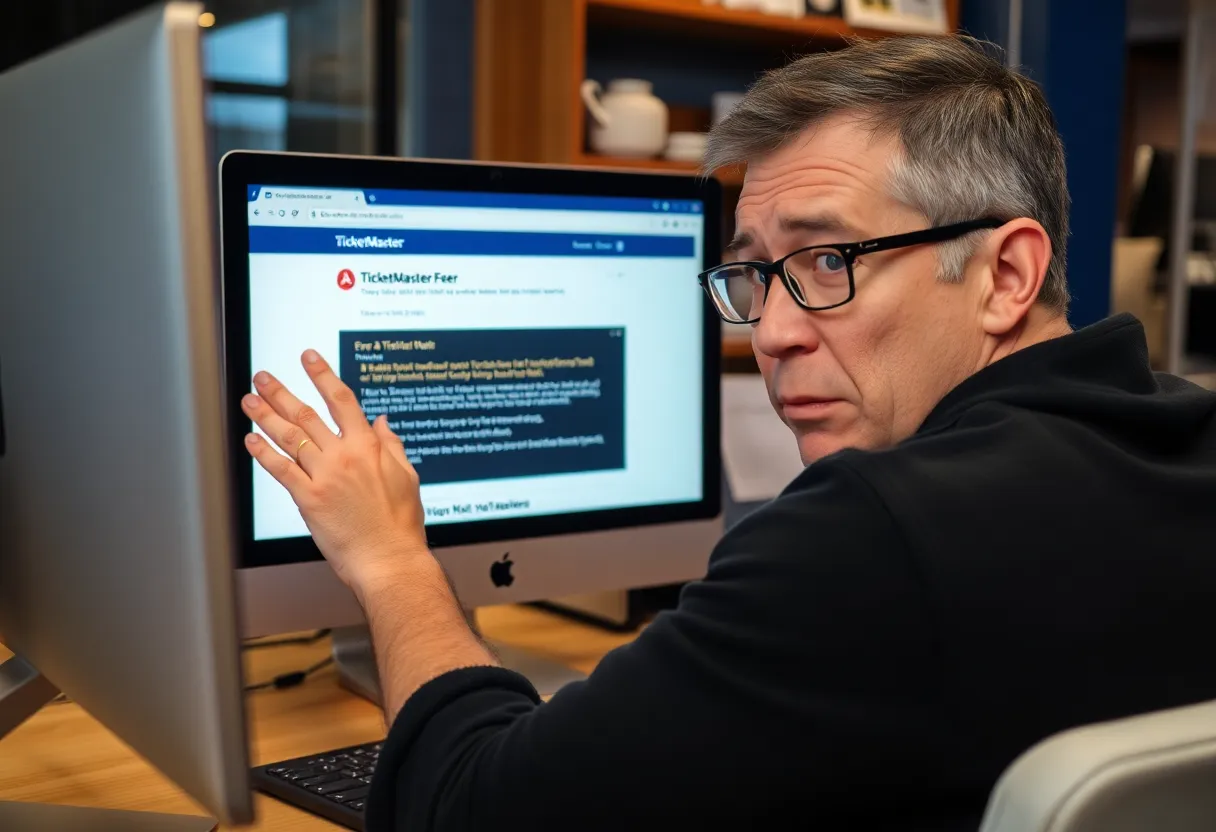
Many Windows users are facing the frustrating ‘Error 401 Not Allowed’ while trying to purchase tickets on TicketMaster. This error often occurs due to temporary cached files or cookies. Users experiencing this issue can typically resolve it by clearing their browser cache. Other reasons may include VPN usage, network inconsistencies, or even temporary bans from TicketMaster’s filtering system. We’ve outlined steps to help users overcome this issue and regain access to their favorite events.
New Trouble for TicketMaster Users: The Dreaded Error 401
Are you one of the Windows users experiencing the frustrating Error 401 Not Allowed while trying to score those coveted tickets on TicketMaster? You’re certainly not alone in this digital conundrum! Many users are reporting that they can easily search for tickets but run into the pesky error when it comes time to select a date for purchase.
What is this annoying Error 401?
So, why does this happen? The Error 401 Not Allowed typically rears its ugly head due to either a temporary cached file or cookies created by TicketMaster’s system. If you’ve been facing this issue, there’s a good chance you can resolve it simply by clearing your browser cache and cookies. It might feel like a hassle, but it’s often a quick fix!
Clear Those Cookies and Cache
When it comes to clearing cookies and cache, you might be wondering where to start. The steps can differ depending on which browser you’re using. To help you out, we’ve compiled instructions for some popular ones like Chrome, Firefox, Edge, Internet Explorer, and Opera. Just think of it as giving your browser a little spring cleaning!
Are You Using a Proxy or VPN?
Another potential culprit for this error may be the use of Proxy servers or VPN clients. TicketMaster is known to have strict policies regarding their platform’s accessibility with these services. If you’re operating behind a VPN or proxy, try disabling it and see if that helps you regain access to the site.
Network Issues Could Be the Culprit
Sometimes, you may not be doing anything wrong! A network inconsistency can also trigger the Error 401. If you suspect this might be the case, it may help to restart your networking device. This is as simple as pressing the On/Off button on your router/modem or unplugging its power cable for a bit, before plugging it back in.
What If Your Account Is Temporarily Banned?
It’s also worth noting that if you’ve run into this issue repeatedly, your account may face a temporary ban due to hitting TicketMaster’s filtering algorithm. This can happen if you’ve been refreshing pages excessively or trying to access the site from multiple devices, which can mistakenly identify you as a bot. If you find yourself in this predicament, waiting for 24 hours may be your only option—or you might consider creating a new account.
Key Takeaways
Here’s a summarized list of steps you can take to resolve this pesky issue:
- Clear your browser cache and cookies
- Disable any proxy or VPN services
- Restart your router or modem
- Be cautious with page refreshes
- Wait for any temporary bans to lift or create a new account if necessary
It can be frustrating to grapple with technology when all you want is to enjoy a night out at a concert or an event. However, by taking a few easy steps, you can usually resolve the Error 401 Not Allowed and get back to what you love—whether that’s live music, sports, or theater!
Frequently Asked Questions
What causes Error 401 Not Allowed on TicketMaster?
Error 401 can be caused by temporary cached files, cookies, use of proxy servers or VPNs, or network inconsistencies.
How can I fix Error 401?
To fix Error 401, try clearing your browser cache and cookies, disabling VPNs or Proxies, and restarting your router.
Will I be temporarily banned if I get this error multiple times?
Yes, repeated excessive page refreshes can trigger a temporary ban. It’s best to wait for 24 hours or create a new account.
Quick Reference Chart for Resolving TicketMaster Error 401
| Issue | Resolution |
|---|---|
| Browser Cache/Cookies Issue | Clear browser cache and cookies. |
| Proxy/VPN Access | Disable any Proxy or VPN services. |
| Network Inconsistency | Restart your router or modem. |
| Temporary Account Ban | Wait 24 hours or create a new account. |
| Excessive Page Refreshes | Avoid refreshing too often to avoid being flagged. |
Deeper Dive: News & Info About This Topic
- Fix TicketMaster Error 401
- TicketMaster Not Allowed Access Error 401
- TicketMaster 401 Error Fix Guide
- Fix TicketMaster User Error 401
- Wikipedia: Ticketmaster
- Google Search: Ticketmaster Error 401
- Google Scholar: Ticketmaster Error 401
- Encyclopedia Britannica: Ticketmaster
- Google News: Ticketmaster Error 401


Author: STAFF HERE MYRTLE BEACH
The HERE Myrtle Beach Staff Writers are a collaborative team of journalists, editors, and local contributors passionate about delivering accurate, timely information to the Myrtle Beach community. As part of the HEREcity.com Network, which powers over 100 U.S. city sites including HEREcolumbia.com, our staff draws on collective experience in South Carolina journalism to cover everything from business sales and real estate developments to dining deals and community initiatives. Our Expertise and Background Local Roots in Myrtle Beach Our team includes lifelong Myrtle Beach residents and SC natives with deep knowledge of the area’s history, economy, and culture. We’ve covered key events like the recent developments along the Grand Strand, Myrtle Beach’s tourism and hospitality industry, and growth in local education sectors (e.g., Coastal Carolina University programs). Collective Experience With over 50 combined years in journalism, our staff has backgrounds in print, digital media, and community reporting. We prioritize fact-based stories, drawing from sources like the Myrtle Beach Area Chamber of Commerce, city government records, and on-the-ground interviews. Commitment to Quality Every article is a group effort, involving research, editing, and verification to ensure reliability. We adhere to journalistic standards, citing credible sources and updating content as new details emerge.